
Chapter 4 - RIMA, your Revenue Management Agent
Need to rebate a fee back to a client?
Complete the Client Fee Rebate Authority and send it through to support.
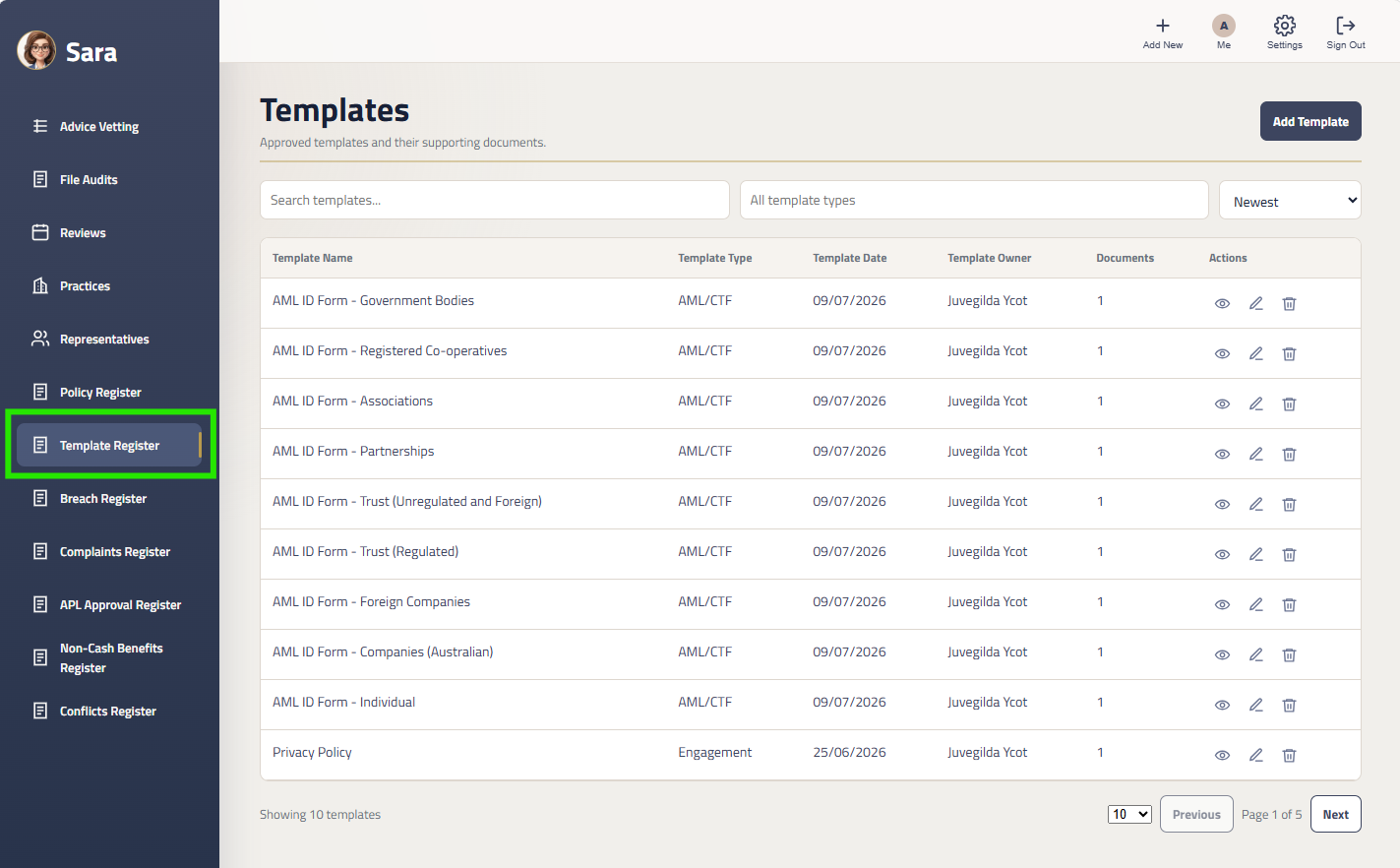
Step 1: Click on Templates Register in Sara
In the Left Menu, click on ‘Template Register’.
Searching The Register
You can search the register by template name.
In the Search bar, search for ‘Client Rebate Authority’. The rebate authority form will appear.
Downloading The Template
Sending The Authority
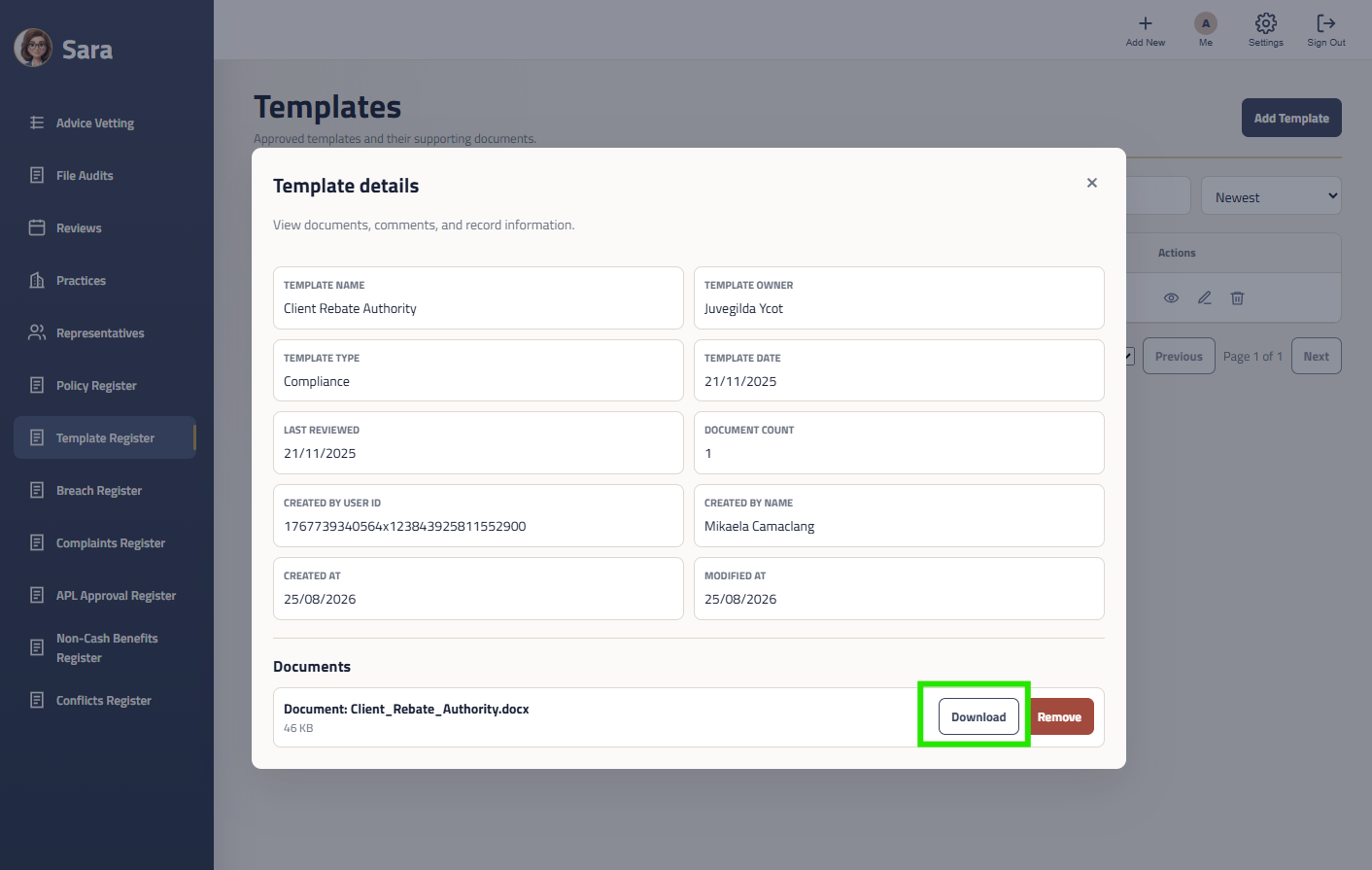
Click into the Client Rebate Authority and the Template Details popup will appear.
You can download a copy of the form by clicking selecting the template and clicking the Download button in the popup.
Please send your completed authority to support@insightmp.com.au for processing.